 gunnchOS
Thursday Open Technology Lab · Week 1
Technology Is a System, Not a Screen
Ask · Learn · Build
Map one technology experience across people, software, hardware, connection, and the services and data underneath. A paper drawing is a complete way to participate. No computer is required.
Twitch published this replay at 2026-10-02T00:12:52Z. No computer is required. A paper drawing is valid. A phone photo or screenshot can be used later for submission. People can participate at different levels.
This week's replay
Week 1 Replay
Technology Is a System, Not a Screen
Watch in order
Part 1 of 4
Technology Is a System, Not a Screen | Thursday Open Technology Lab — Week 1 (Part 1/4)
Part 2 of 4
Technology Is a System, Not a Screen | Thursday Open Technology Lab — Week 1 (Part 2/4)
Part 3 of 4
Technology Is a System, Not a Screen | Thursday Open Technology Lab — Week 1 (Part 3/4)
Part 4 of 4
Technology Is a System, Not a Screen | Thursday Open Technology Lab — Week 1 (Part 4/4)
Original Twitch VOD
Video is hosted by Twitch. Loading the replay connects your browser to Twitch.
Captions and a transcript belong with the permanent archive. After you load the Twitch replay, use the player's own caption controls. This page does not block the lesson if Twitch is unavailable.
Condensed web lesson
These eight sections are a condensed web lesson. They are not the complete public deck. Download the 17-page public deck (PDF)
1/8 Technology is a system, not a screen.
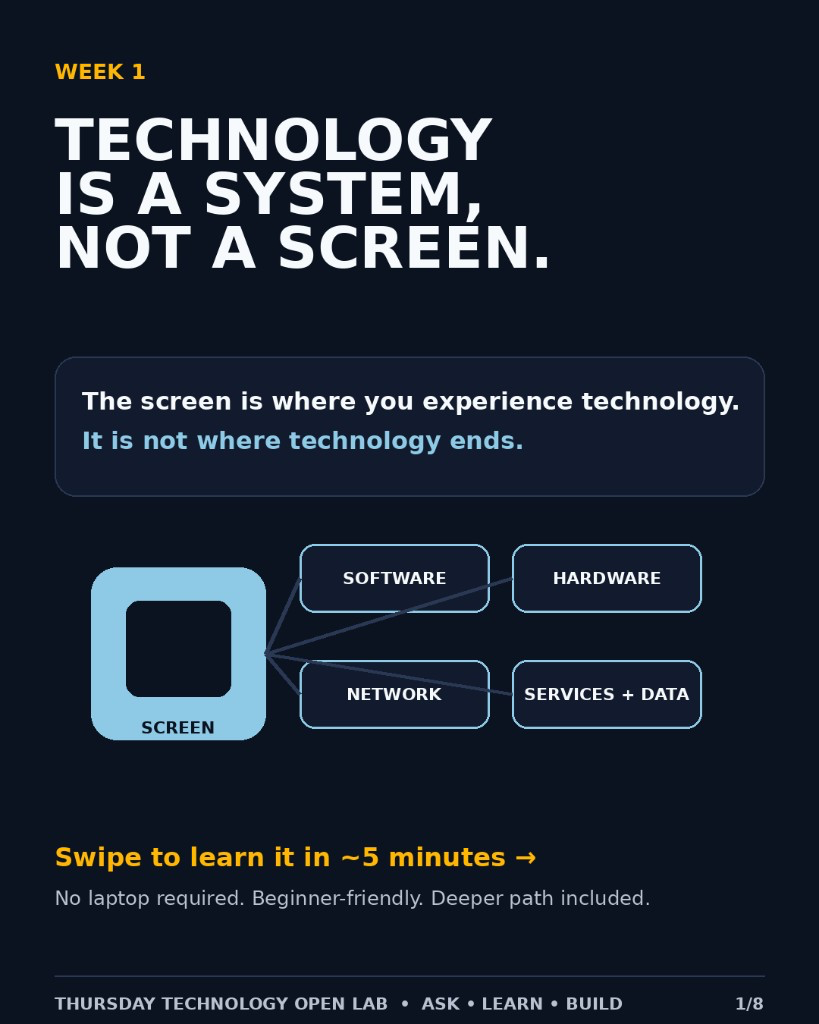
The screen is where you experience technology. It is not where technology ends.
A screen connects to software, hardware, network, and services plus data.
Swipe to learn it in about five minutes. No laptop required. Beginner-friendly. A deeper path is included.
2/8 Start with the experience
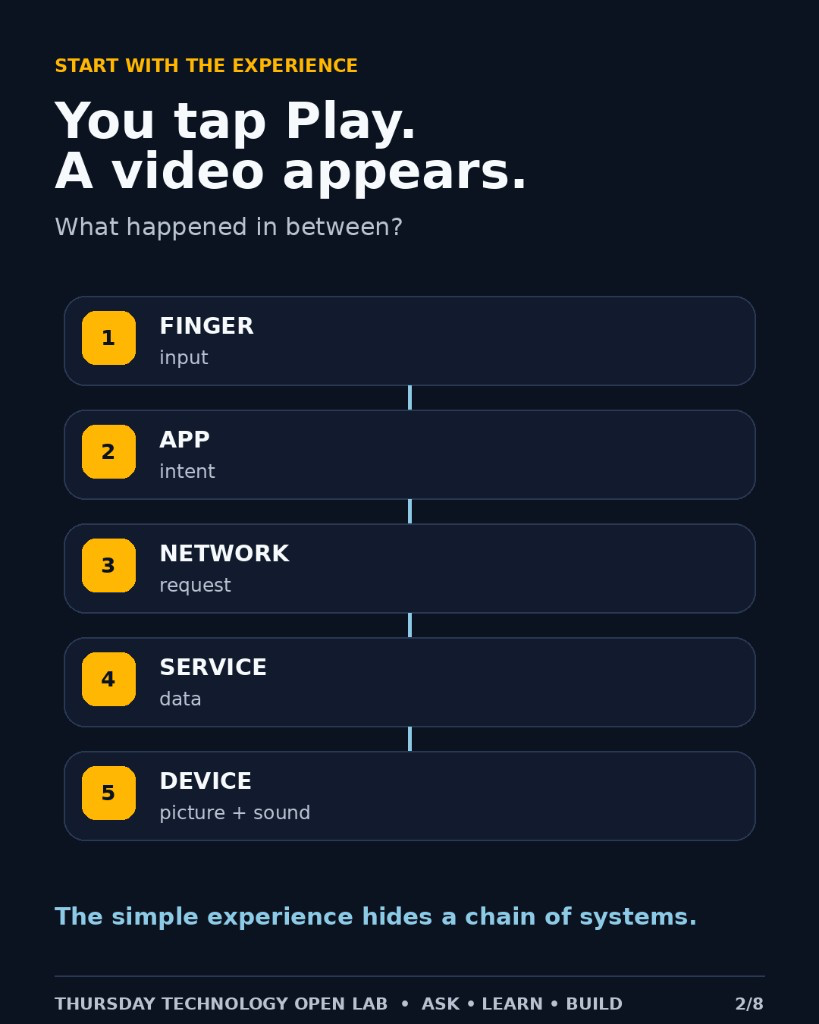
You tap Play. A video appears. What happened in between?
Finger input → app intent → network request → service data → device picture and sound.
The simple experience hides a chain of systems.
3/8 Look beneath the surface
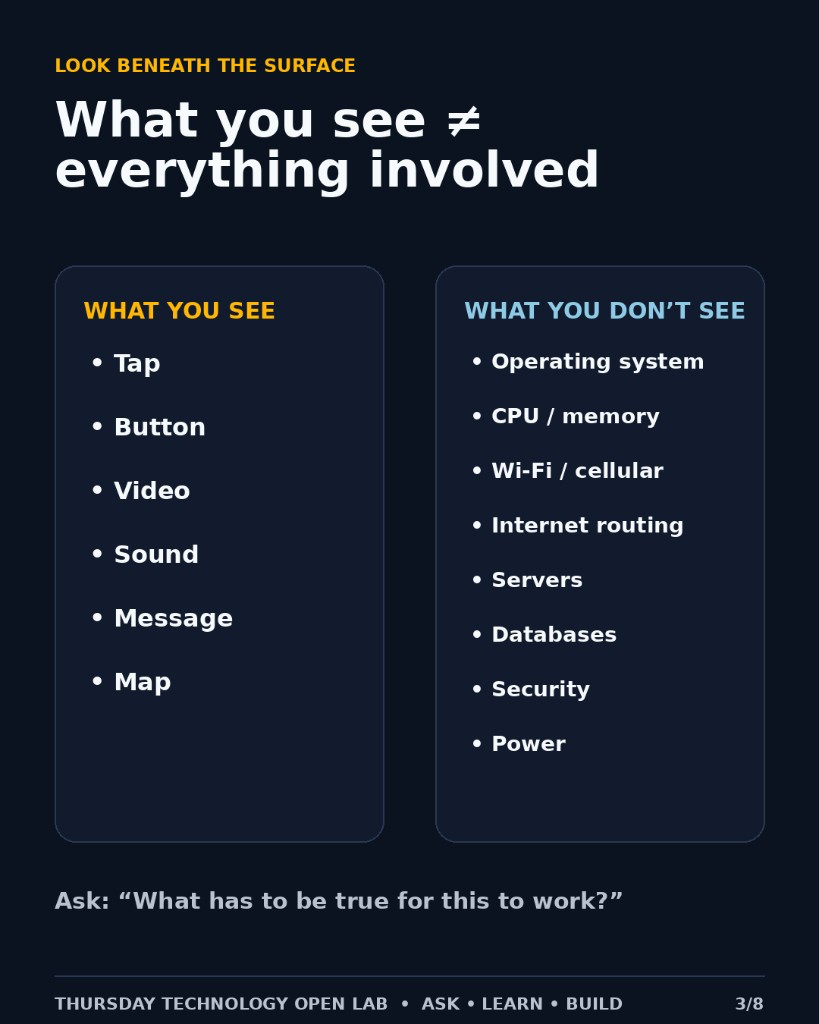
What you see is not everything involved.
Ask: what has to be true for this to work?
- See: tap, button, video, sound, message, map.
- Don't see: operating system, CPU and memory, Wi-Fi or cellular, internet routing, servers, databases, security, power.
4/8 A simple mental model
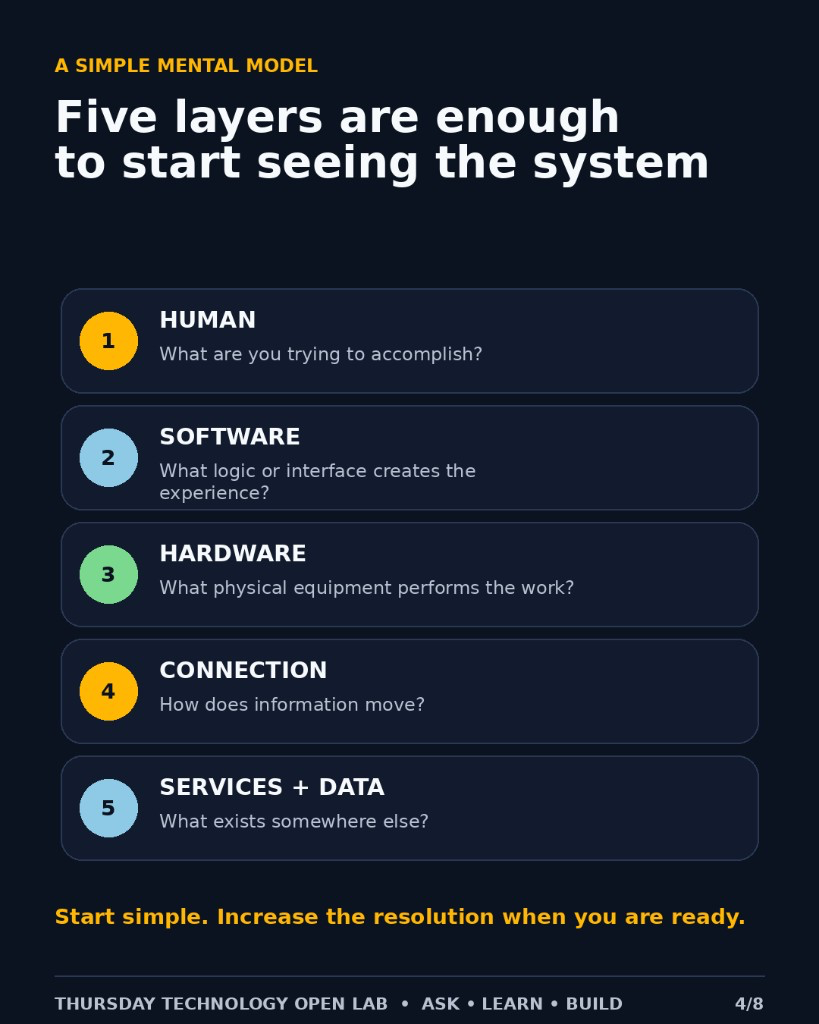
Start simple. Increase the resolution when you are ready.
- 1. Human — what are you trying to accomplish?
- 2. Software — what logic or interface creates the experience?
- 3. Hardware — what physical equipment performs the work?
- 4. Connection — how does information move?
- 5. Services + data — what exists somewhere else?
5/8 Connected does not always mean usable
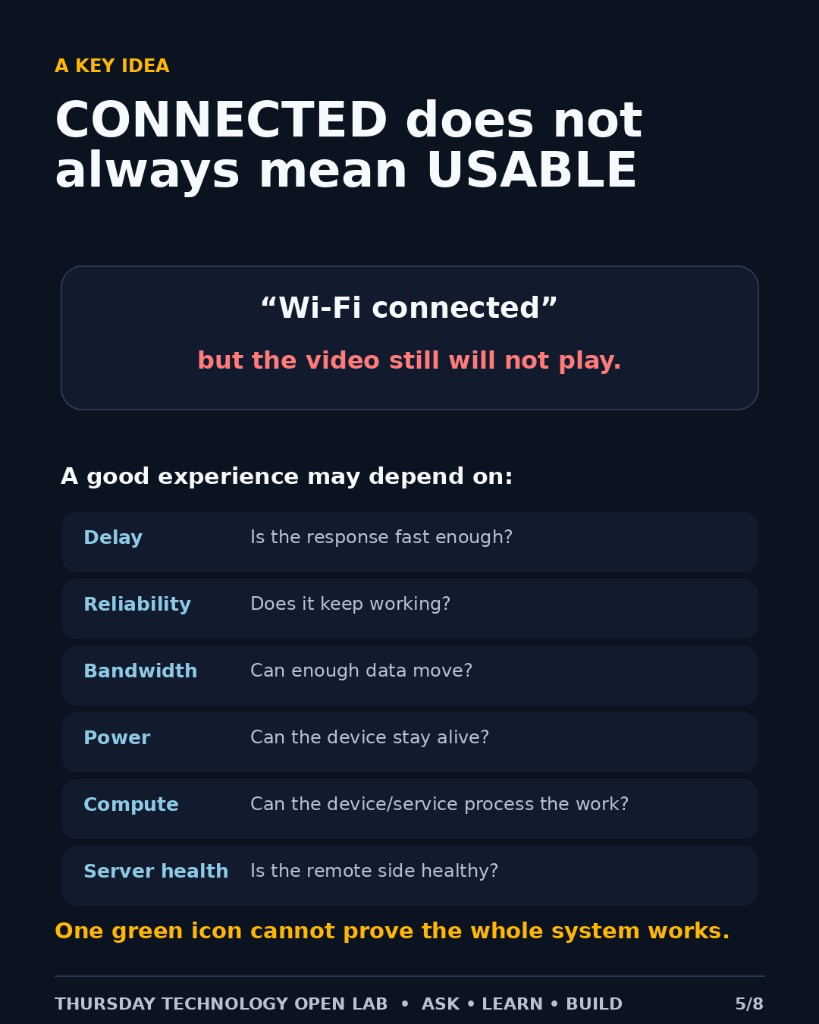
Wi-Fi can say connected while the video still will not play.
One green icon cannot prove the whole system works.
- Delay
- Reliability
- Bandwidth
- Power
- Compute
- Server health
6/8 Troubleshooting
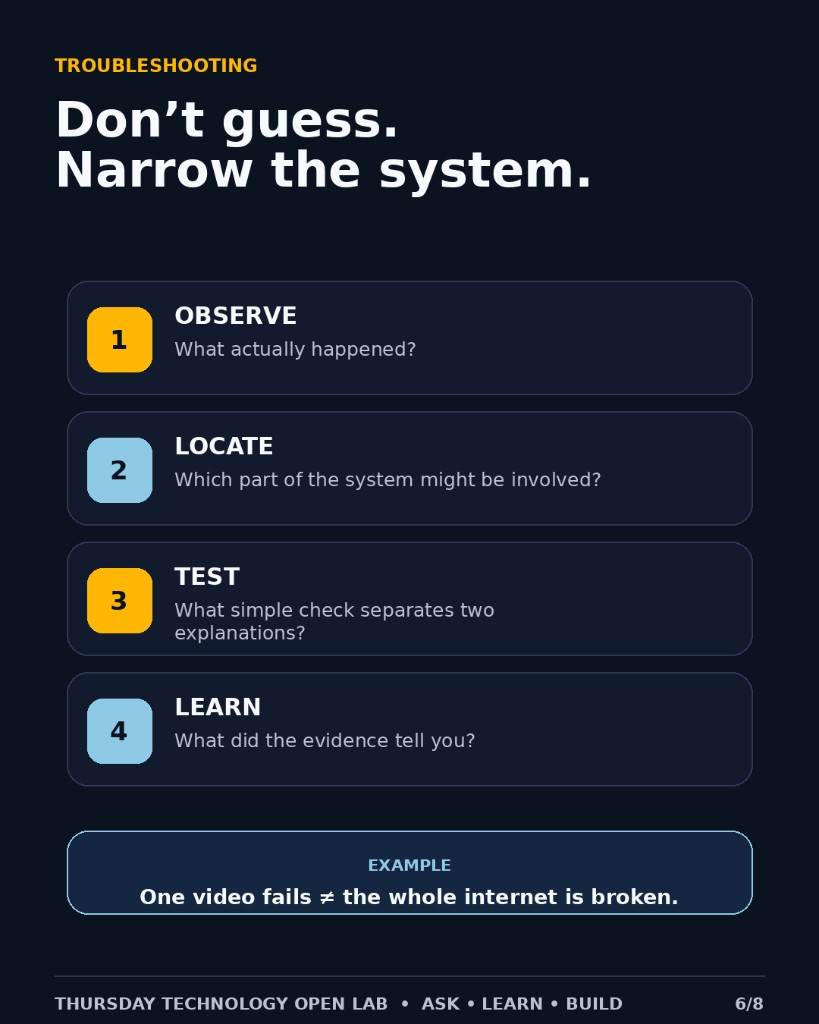
Don't guess. Narrow the system.
One video fails does not mean the whole internet is broken.
- Observe — what exactly happened?
- Locate — where might the problem live?
- Test — what simple check separates two explanations?
- Learn — what did the evidence change?
7/8 Your 5-minute challenge
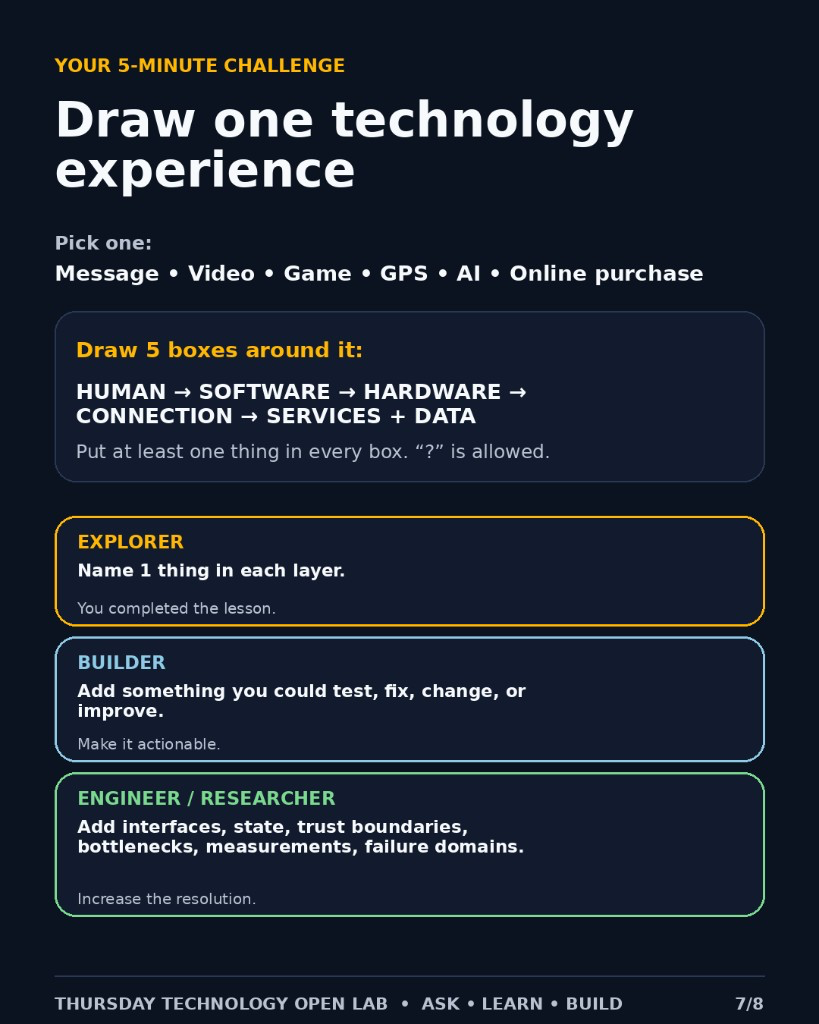
Draw one technology experience: a message, a video, a game, GPS, an AI answer, or an online purchase.
Five boxes: human → software → hardware → connection → services + data.
A question mark is allowed. Finding the question is part of learning the system.
- Explorer: name one thing in each layer.
- Builder: add something you could test, fix, change, or improve.
- Engineer / Researcher: add interfaces, state, trust boundaries, bottlenecks, measurements, and failure domains.
8/8 Reflect and engage
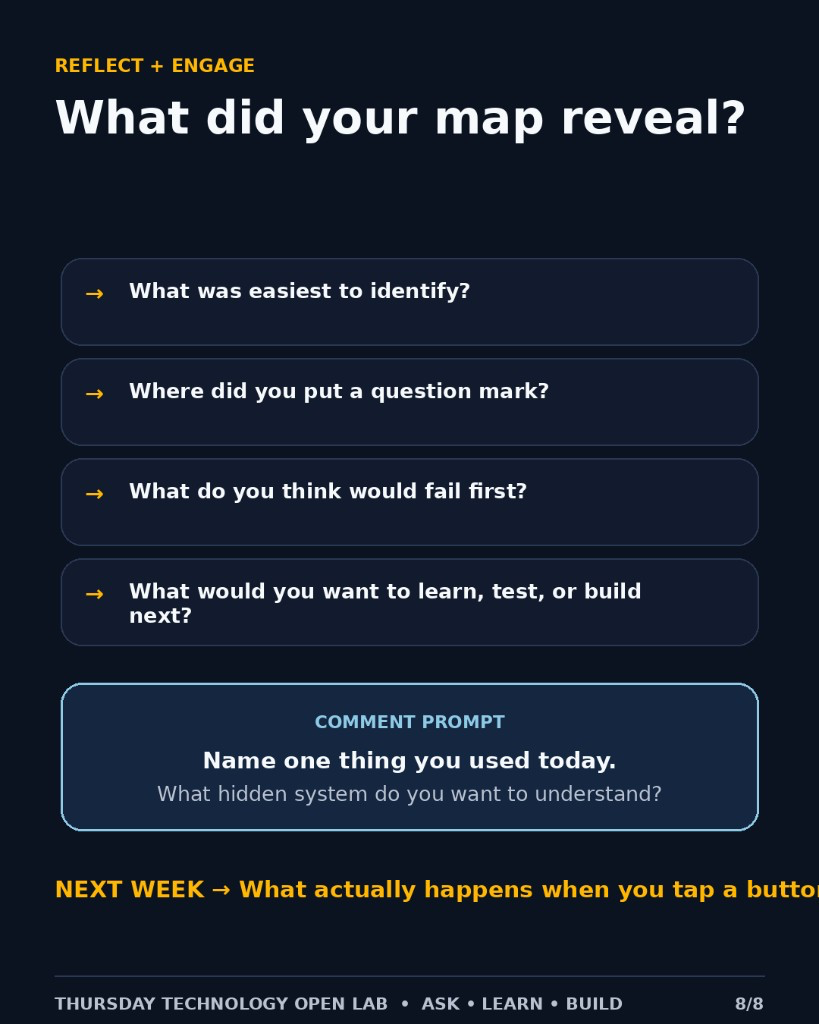
What did your map reveal?
Comment prompt: Name one thing you used today. What hidden system do you want to understand?
Next week: What actually happens when you tap a button.
- What part was easiest to identify?
- Where did a question mark appear?
- What might fail first?
- What do you want to learn, test, or build next?
Five layers
- Human
- Software
- Hardware
- Connection
- Services + Data
Your 5-minute challenge
Map one technology experience. Draw one technology experience — a message, a video, a game, GPS, an AI answer, or an online purchase — in five boxes: human, software, hardware, connection, and services + data.
Explorer names one thing in each layer. Builder adds something to test, fix, change, or improve. Engineer / Researcher adds interfaces, state, trust boundaries, bottlenecks, measurements, and failure domains. A question mark is allowed. Paper is enough.
Reflect and engage
- What part was easiest to identify?
- Where did a question mark appear?
- What might fail first?
- What do you want to learn, test, or build next?
Comment prompt: Name one thing you used today. What hidden system do you want to understand?
Next week: What actually happens when you tap a button.
Choose your lane
Each lane is a depth you can choose. None of them is worth more than the others. You can participate without a computer. A paper drawing is valid. A phone photo can be used later, when submissions open.
Explorer
Understand the system in plain language.
Week 1
- Identify at least one item in each of the five layers.
- Draw how they connect.
- Explain what the user experiences.
Builder
Move from understanding into making, testing, or changing.
Week 1
- Complete the Explorer map.
- Identify something that could be tested, changed, repaired, automated, or built.
- Identify one failure point or dependency.
Engineer / Researcher
Reason about deeper system behavior and evidence.
Week 1
- Complete the system map.
- Identify interfaces, state, trust boundaries, bottlenecks, failure domains, and measurements.
- Name evidence that would support or reject a claim.
Engineer / Researcher is an educational depth lane. It does not enroll a participant in human-subjects research.
Start or submit your work
You can complete the activity now. Uploads are not open on this page. When you are ready, read how submission will work, including privacy, before you share a file.
Key terms
- Human
- The person using the technology, and anyone else affected by that use.
- Software
- The programs, settings, and instructions the person interacts with.
- Hardware
- The physical device or object in their hands or in the room.
- Connection
- How the device reaches another device, a room, or a network. Offline counts.
- Services + Data
- The accounts, files, and organizations on the other side of that connection.
- Engineer / Researcher
- An educational depth lane in this lab. Choosing it does not enroll anyone in a research study.
Privacy and accessibility
Watching and reading do not require an account. The replay stays unloaded until you choose it. The lesson remains usable if Twitch does not load.