 gunnchOS
Fighting / Local versus
Anime Aggressors
Human reviewA fighting game about readable characters, stages, and a match you can finish.
Development preview.
Play in browserTechnology with a world around it.
gunnchOS connects learning, creative tools, games, device concepts, and open research in one explorable ecosystem.
Deployed world shell · learning preview · device concepts. See status.
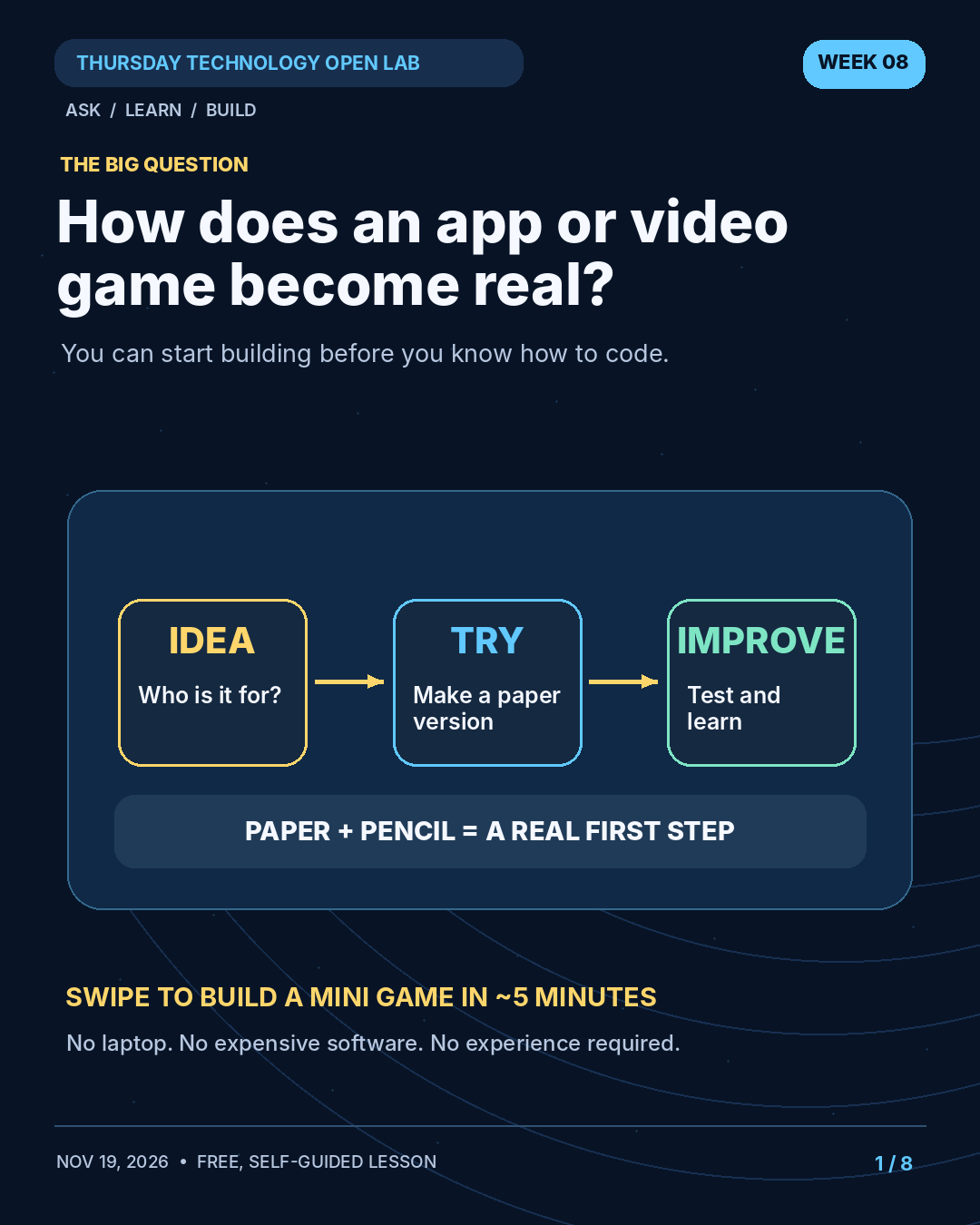
Thursday Open Technology Lab
Ask · Learn · Build. A public lesson; no account or computer required.
Prototype an app or game on paper
Uploads are closed. This card does not accept files.
01Enter 3k MLV
The human-facing world shell brings My Home, Campus, and Gallery together. Move between making, learning, and discovering without losing your way back.
Explore the world shell ↗3k MLV is attached at https://mlv.gunnchos.com. Observed 2026-10-23: the live host offers a local test identity and says Supabase is not configured. Return navigation from that live build still opens the workers.dev preview until the owner rebuilds with VITE_GUNNCHOS_PORTAL_URL=https://gunnchos.com. AUTH_MODE=LOCAL_LIMITED. Online GitHub/Supabase auth is not production-ready.
02Learn / WAIKE
A course gives you a path. A lab gives you something to try. A project gives you work you can explain.
Enter CampusBrowser learning shell · preview. Grades and assignment services are not connected.
03My Home / Workbench
A private workspace concept for your notes, media, projects, and ideas. Sharing is a choice you make.
Explore the workbench ↗Public room previews. No cloud workspace or saved files are claimed here.
Think. Make. Keep.Personal → Media → Workbench
Help beside the work.gunnchAI · optional launcher and contract
04Play
Fighting / Local versus
A fighting game about readable characters, stages, and a match you can finish.
Development preview.
Play in browserMovement / Single player
A pursuit race about movement, streets, and staying in the moment.
Development preview.
Play in browserKnowledge / Exploration
A knowledge world for artifacts, places, and questions worth keeping.
Development preview.
Play in browserMusic / Party concept
A shared-room music party where each person keeps their own controller.
Party preview when the room server is running. Not always-on hosting.
Play in browser05Devices
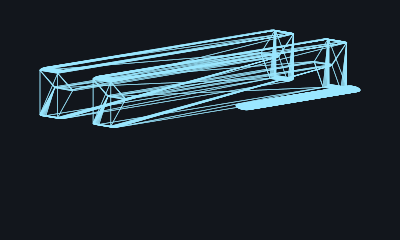
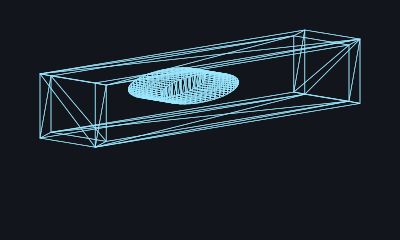
Four design intents. One ecosystem. Inspect the source geometry and the thinking behind each form.
Digital concepts with placeholder geometry. Physical validation is pending; these are not manufactured or shipping products.
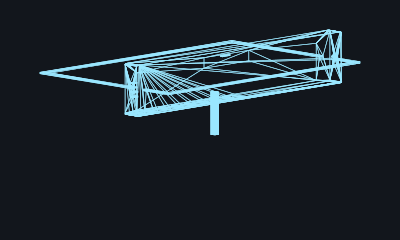
A learning-first computer shaped for class, labs, and carrying between places.
View in 3D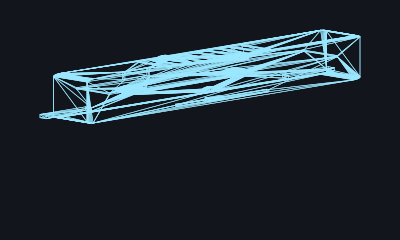
06Research
Wireless networks, resilient systems, and digital access. Start with the problem. Follow it into the method, architecture, and source.
Future radios talk about many antennas and many beams. Most people never get a sentence that says what that changes for a person holding a device.
You cannot rehearse a bad network day on a live campus every time you have a new idea.
Radio networks make repeated choices about energy, fairness, and who gets attention. Hand-written rules get brittle.
When the ground network fails, a non-terrestrial path is only useful if you know what still works and what gets worse.
Input, sensing, and privacy at the edge. Inspect the architecture and measurement workflow.
Explore the architecture07Gallery / Culture
Discover the public side of the world: project stories, research explainers, and a place for curated creations.
Explore the gallery ↗Collection entries are curated. Open publishing is not available.
08Open Technology Lab
A public lesson, a replay, and an activity you can do on paper. No account required. Come as an explorer, a builder, or a researcher.
Start the public lessonUploads stay closed. You can read, watch, and try the activity today.
09Evidence / Source / Status
The deployed world shell, learning preview, and public Open Lab lessons have direct entry points.
Start with a lessonResearch methods and source sit beside diagrams. Simulations stay labeled as simulations.
Architecture libraryGames await owner review. Devices are digital concepts. A working page does not mean every product is complete.
Read product boundariesKeep the conversation going
Research, learning, collaboration, or a question about the world.